Carry-On, Not Cargo: Taking a Mechanical Keyboard on the Road in 2026
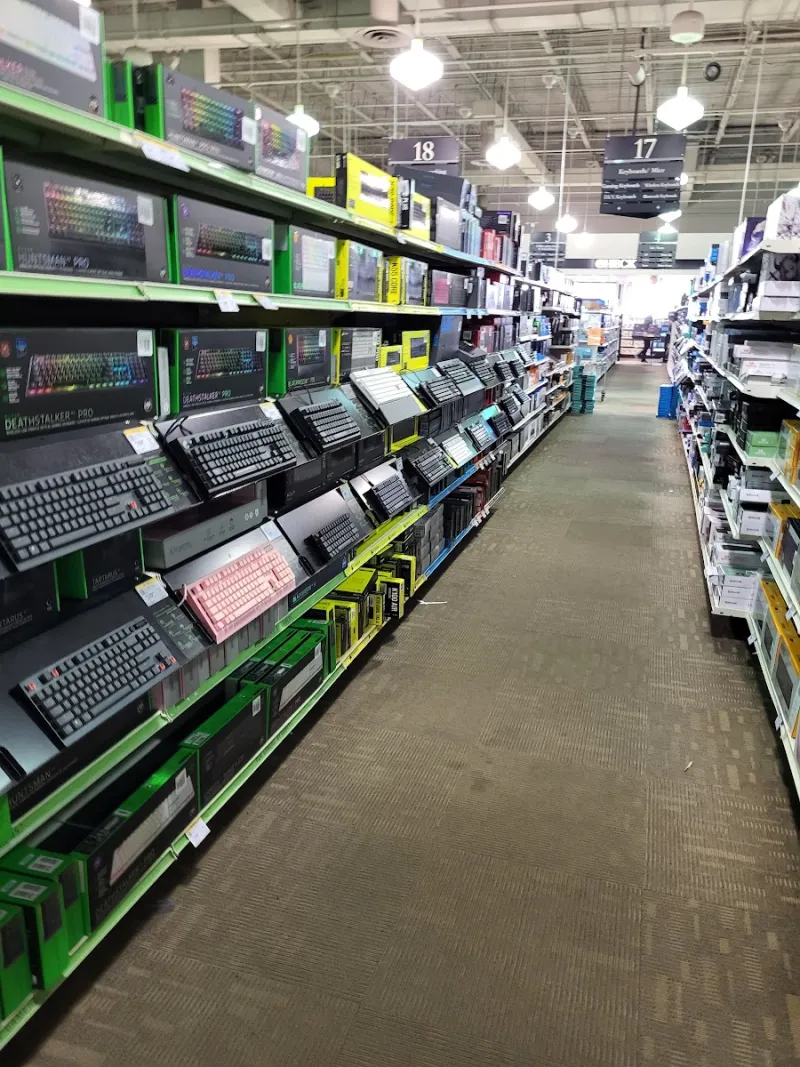
Photo: Punker1999, CC0, via Wikimedia Commons
Travel is a stress test for a keyboard setup. At home, your board sits on a familiar mat, at a familiar angle, with a familiar chair and no one judging the sound of your space bar. On the road, you get a shallow hotel desk, a lamp clamped in the wrong place, a roommate trying to sleep, and a security line that wants your bag in a bin. The goal is not to recreate your desk. The goal is to bring a board that forgives the differences.
Start With the Desk You’ll Actually Get
Hotel desks are a genre of furniture, not a standard. Some are deep enough for a laptop, a notebook, and a full-size keyboard. Many are not. Before you pack, think about the worst desk you have seen on a work trip: the glass-topped console table in a boutique hotel, the built-in ledge under a TV, the conference-room table you will share with three coworkers. A 65% or 75% board fits those spaces far more reliably than a full-size deck. If your work depends on a number pad, a compact 1800-style layout is the compromise; if it does not, leave the numpad at home and stop paying for it in bag space.
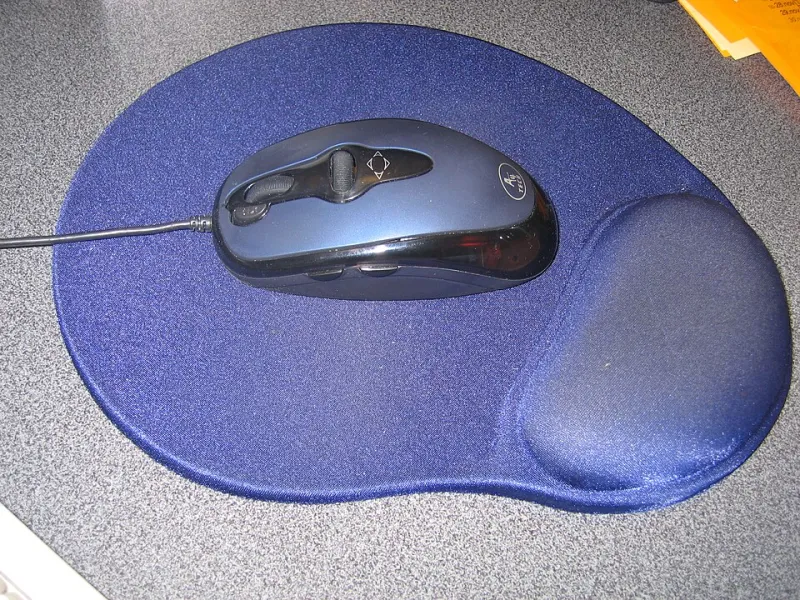
A thin desk mat is worth the room. It gives the board a stable surface, softens the clack on hard hotel furniture, and keeps the case from sliding around during a rushed morning call. Skip the giant desk pad unless you know the desk. A small rectangle or a folded cloth mat is enough.
The Case Question: Protection Without a Pelican
You do not need a waterproof hard case for a weekend trip. You need a case that keeps keycaps from being sheared off by a laptop charger and keeps the board from sliding around inside your carry-on. A molded keyboard case, a padded sleeve, or a small hard-shell case all work. The important part is fit: the board should not rattle, but it should not require force to zip. If the case is bigger than the board, add a microfiber cloth or a folded T-shirt as a shim.
Keep the board in your carry-on. A checked bag is a bag that gets thrown, stacked, and occasionally opened by someone who does not care about your stabilizers. TSA does not require you to remove a keyboard from its case, but it may ask you to put the bag through separately if the case is dense or has a lot of metal. A simple sleeve that lies flat in the bin is less drama than a fortress case that looks like it contains equipment.
Pack the cable in a separate pouch, and pack a spare if the board uses USB-C. Cables are the part that fails first on a trip, usually because they get bent around a laptop hinge or lost in a hotel room. A short coiled cable is fine at home; a straight cable with a little slack is easier to route on a strange desk.
Layout Math for a Carry-On
A 65% board is the travel sweet spot for most typists. You keep arrows and a usable right column, and you lose the number pad and function row. A 75% adds the function row and usually a few extra keys without much more width. A 40% can work, but only if you already live in layers and do not want to spend a client call remembering where the tilde went. Travel is not the time to learn a new layout.
If you need a number pad for spreadsheets or accounting, consider a compact board with a detached numpad rather than a full-size keyboard. The numpad can live in the laptop bag and come out only when the work demands it. For most US work trips, a 65% plus a laptop stand is a better use of carry-on space than a full-size board plus a smaller bag.
Noise Etiquette for Shared Rooms and Open Offices
Clicky switches are a joy in a private office and a liability everywhere else. On a work trip, you may type at 6 a.m. in a hotel room while someone sleeps, or at 9 p.m. in a shared suite. You may also end up in an open office or a conference room where every keystroke is part of the meeting. Bring a silent or lightly tactile switch. If your board is hot-swap, this is the moment to use that feature; if it is not, choose the quieter board for the trip.
A desk mat helps more than people expect. Hotel desks often have a hard, reflective surface that turns a normal typing sound into a sharp report. The mat absorbs some of that. If you are worried about noise, type with a little less force and avoid bottoming out on every key. You do not need to be silent. You need to be considerate.
Hotel Desk Ergonomics Without Overpacking
The biggest ergonomic problem on the road is not the keyboard. It is the laptop screen sitting too low and the keyboard being too far away. Put the laptop on a stand or a stack of books, and bring the keyboard close to the edge of the desk. Your wrists should not be reaching up or forward. If the desk is too high, a thin wrist rest can help, but do not bring a big foam wedge unless you know you need it. A folded towel from the bathroom works as a temporary rest and takes up no bag space.
Lighting matters too. Hotel desk lamps are often either useless or aimed directly at your eyes. Angle the lamp so it lights the keyboard without washing out the keycaps. If you have a board with legends that disappear under warm hotel lighting, this is the trip where you learn to touch-type the awkward keys.
When to Leave the Good Board at Home
Not every trip deserves your favorite board. If the trip is two days, two flights, and a schedule with no downtime, bring the laptop keyboard or a cheap travel board. If you are going to a venue where bags get moved around, or a trip where you will be working from a coffee shop and a train tray table, the risk-to-reward math changes. Leave the custom board with the expensive keycaps and the irreplaceable finish at home. Bring the board you will not resent if it gets a scratch.
The hotel desk test is simple: if you would be annoyed by this board on a bad desk, do not pack it. If you would be glad to have it on a good one, pack it and stop overthinking. The rest is just a case, a cable, and a little restraint.