Read the Shine: What a Worn Keycap Set Says About How You Type
Every well-used keyboard keeps a diary. It is written in shine, faded legends, polished spacebar edges, and the faint squeak of a keycap that has seen too many removals. Most of us notice the wear only when a board starts looking tired, then do the obvious thing: buy a fresh set. But those worn caps are free diagnostic feedback. They can tell you where your fingers land, which thumb does the heavy lifting, whether your switch weight is fighting your hands, and which keys you hit harder than you think.
This is not a case for never replacing keycaps. It is a case for reading them before you do. In 2026, with so many cap materials, profiles, and layouts on the market, a five-minute wear inspection can save you from solving the wrong problem with your wallet.
Start With a Clean Slate and Good Light
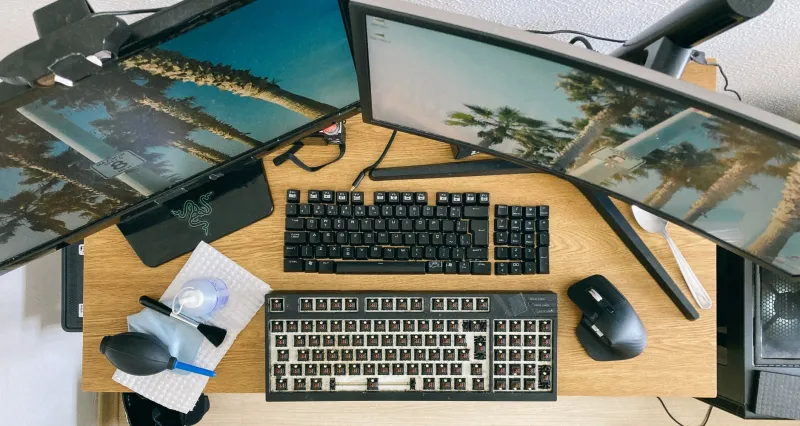
Before you decode anything, clean the board. Dust and skin oil blur the story. Pull the keycaps if you can, or at least wipe them with a microfiber cloth and a little isopropyl alcohol on a cloth—not poured directly on the caps. Then put the keyboard under a bright desk lamp and look at it from a low angle. Shine shows up best when light rakes across the surface.
Your phone camera is useful here. Take a macro shot of the home row, the spacebar, and the most-used modifiers. Zoom in. You are looking for three things: gloss, legend wear, and physical distortion such as dents, cracks, or loose stems.
The Map in the Shine
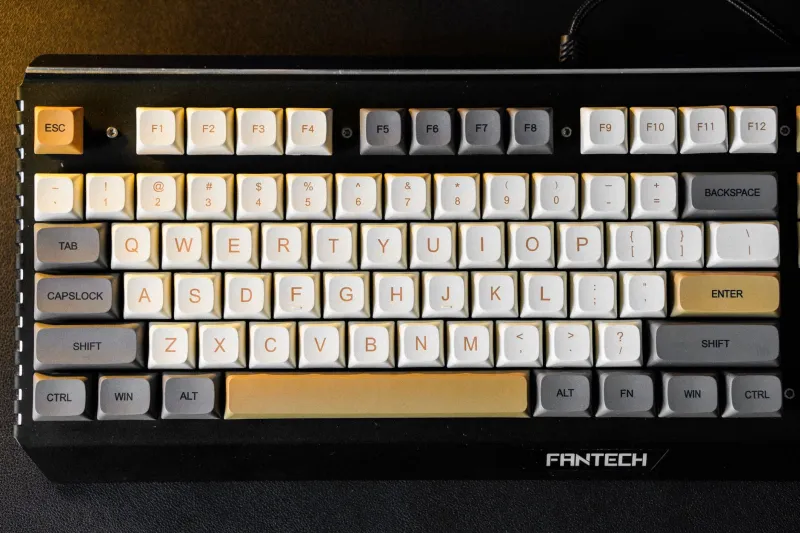
Shine comes from repeated friction. On a keycap, it usually means one of two things: your fingertip lands there often, or it lands there with more pressure than necessary. A bright patch in the center of the F and J keys is normal. Those are home base. A shine pattern that sits toward the upper-left corner of several alpha keys may suggest your fingers are reaching slightly high or rolling onto the caps from an angle.
Look for asymmetry. If your left-hand keys are noticeably shinier than your right-hand keys, that could be a sign that one hand rests more heavily, types more aggressively, or does more modifier work. It does not automatically mean something is wrong. But if you also feel fatigue on that side, the caps are backing up the complaint.
Uneven shine across neighboring keys is worth a second look. Heavy shine on A, S, and D but very little on the row above can mean your fingers stay planted and reach with a flat hand. Heavy shine on the number row could mean you hover there for shortcuts. Neither is a crime. The point is to notice the habit, not to grade it.
Legends That Fade First
Legend wear is a little different from shine. Shine is surface polish; faded legends are ink or dye losing the battle. On ABS keycaps, legends can wear faster because the material itself smooths out. PBT tends to hold texture longer, though it is not immortal. If your legends are fading on keys you did not realize you used, that is useful information. It may reveal a shortcut cluster, a gaming habit, or a work app that has trained your fingers to live on one corner of the board.
Pay attention to which legends go first. If the letters fade before the modifiers, your typing is probably spread across the alpha block in a healthy way. If a single modifier or arrow key is polished smooth while the letters look new, your board is doing more navigating than writing. That might be fine—but it could also mean you are fighting a layout that makes arrow keys or shortcuts awkward.
The Spacebar Tells No Lies
Spacebars are the drama queens of keycap wear. They are long, they collect oil, and they show every thumb habit. A shine patch in the center suggests a fairly centered thumb strike. A patch on the left third usually means your left thumb is doing most of the work. A patch on the right third points the other way. If the wear is split into two distinct zones, you may be alternating thumbs more than you think.
Uneven spacebar wear is not automatically a problem. But if the bar feels mushy on one side, rocks when pressed, or makes a different sound depending on where you hit it, the wear pattern is pointing you toward stabilizer tuning or a split-spacebar layout. Do not rush to replace the whole set. First check whether the stabilizers are lubed and seated correctly.
Also look at the front edge of the spacebar. Shine there can mean your thumb is resting on the cap between words rather than hovering. That is a technique clue. A lighter touch and a slightly different wrist angle may do more for comfort than a new keycap set.
Stem Wear and the Wobble Report
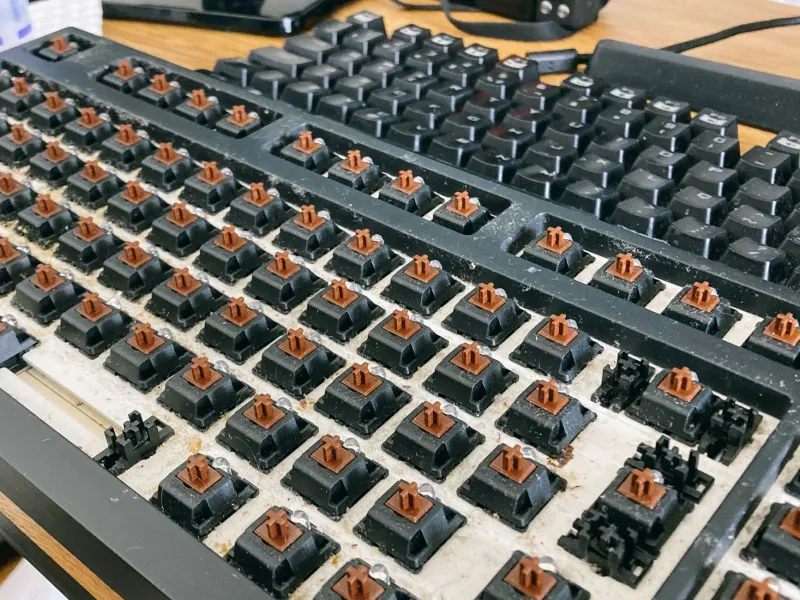
Pull a few caps and inspect the stems. Keycap stems can crack or loosen over time, especially if you swap caps often. A wobbly cap is not always a worn switch; sometimes the cap itself is the culprit. Try the suspect cap on a different switch. If it still wobbles, the cap is loose. If the wobble follows the switch, the switch stem may be worn or damaged.
This matters because a loose cap changes the feel of a single key and can make you press harder without realizing it. That extra force shows up later as shine or finger fatigue. A tiny fix—reseating the cap, swapping it with a less-used key, or replacing a cracked stem—can be more useful than a full cosmetic refresh.
What This Means for Switch Weight
Heavy switches are not inherently bad, but they encourage bottoming out. If your keycaps show broad, polished patches across many keys and your fingers feel tired after a long session, you may be fighting a spring weight that is too stiff for your hands. Lighter switches can reduce that heavy landing, though going too light can cause accidental presses and a different kind of sloppiness.
The wear pattern gives you a starting point. If only the spacebar and modifiers are heavily worn, the issue may be stabilizer feel or how you use shortcuts, not the alpha switches. If every alpha key is polished and your fingertips ache, switch weight and technique deserve a look.
Turn the Feedback Into a Small Experiment
Do not rebuild your whole setup because of one shiny key. Pick one variable and test it for two weeks. If your spacebar wear is lopsided, try a split-spacebar layout or remap one thumb to a different key. If your home row is heavily polished but your pinkies look untouched, practice a few minutes of deliberate reach drills. If your keycaps are ABS and the shine bothers you, try a textured PBT set in the same profile before changing the whole board.
Take before-and-after photos. Your hands adapt slowly, and the diary updates slowly too. The goal is not a pristine keyboard. It is a board that fits the hands you actually have.
Wear Is Not a Verdict
A worn keycap set can look like neglect, but it is really a record of use. Some people love the patina of ABS caps that have gone glossy over years. Others want crisp texture forever. Both are valid. What matters is whether you read the evidence before you spend money. Your keycaps are already telling you how you type. The least you can do is listen.