Your Daily Driver Is Not a Test Bench: A Sane Approach to Hot-Swap Wear
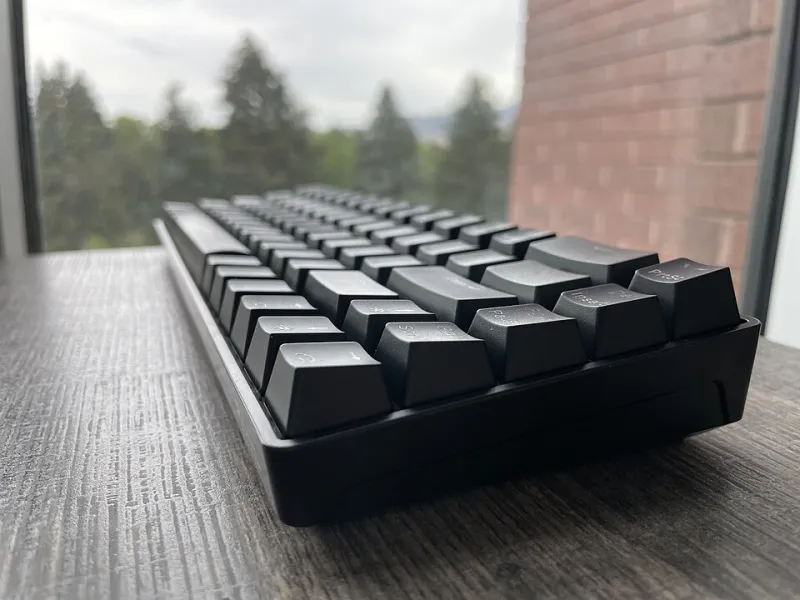
Photo: EpicShadowz, CC BY-SA 4.0, via Wikimedia Commons
Hot-swap sockets are one of the best things to happen to mechanical keyboards. They turn a soldering chore into a coffee-table experiment: pop out a set of linears, drop in tactiles, decide the grass was not greener, and swap back before dinner. That freedom is real. So is the wear that comes with it.
The problem is not that hot-swap boards are fragile. Most modern sockets are tougher than forum panic suggests. The problem is that a daily driver is not a test bench. When your favorite keyboard becomes the place where every impulse buy lands, small stresses accumulate in the same spots: socket contacts, switch pins, plate cutouts, and the plastic retention clips that hold switches in place. The result is rarely a dramatic failure. More often, you get a board that slowly feels less crisp, develops one stubborn key, or starts dropping inputs after one too many enthusiastic reseats.
Here is how to enjoy hot-swap without turning your main board into a science fair project.
The Convenience Tax Nobody Talks About
The pitch for hot-swap is simple: no soldering, no commitment. That is true, but it hides a second message. Every swap is a small mechanical event. You are pushing metal pins into spring contacts, flexing plastic clips, and asking the plate to let go of a switch that was designed to stay put. Do that a handful of times over a year and you are probably fine. Do it every weekend because a new switch sample showed up, and you are running a wear test on the keyboard you actually type on.
That is the hot-swap hangover: not a single broken socket, but a pile of tiny compromises. A pin that got nudged. A socket contact that lost a little tension. A switch that no longer sits flush because its clip was stressed. None of these issues is catastrophic on its own. Together, they can make a good board feel vaguely off, and vague problems are the hardest ones to diagnose.
What Actually Wears Out (and What Mostly Does Not)
Let us separate real wear from forum folklore. Hot-swap sockets are not infinite-cycle components. Manufacturers rate them differently, and the exact number depends on the socket design, the switches you use, and how careful you are. Treat the socket as durable but finite. It can take plenty of swaps, but it is not a rental car.
The most common real-world damage is a bent switch pin. That usually happens because a switch went in crooked, a pin caught the edge of the socket, or someone forced it home instead of backing out. A close second is debris. Dust, a stray bit of lube, or a crumb from the desk can sit in the socket and interfere with contact. Third is user error with the puller: yanking a switch at an angle, twisting it, or using a keycap puller because the switch puller is upstairs.
What mostly does not wear out? The PCB itself, unless you are truly abusive. The plate does not magically soften with every swap, though repeated removal can make a tight fit feel less tight because the switch clips and socket contacts are taking the stress. And a single swap does not doom your board. Most hot-swap keyboards live long, happy lives with occasional switch changes. The risk is repetition without inspection.
The Post-Swap Inspection That Takes Five Minutes
After a swap session, do not just put the keycaps back on and call it done. Unplug the board first. Then run a quick inspection while everything is still fresh.
Start with the pins. Pull the switches you just installed and look at them under decent light. Pins should be straight and clean. If one is leaning, straighten it gently with smooth pliers or tweezers, and do not bend it back and forth repeatedly. Next, shine a light into the sockets. Look for bent contacts, fuzz, or leftover lube. A short burst of compressed air is fine; avoid spraying liquid cleaner into the PCB unless you know exactly what you are doing.
Then reseat the switches with firm, even pressure. They should click into the plate without a fight. If a switch rocks or sits proud of the plate, stop and check the pins and orientation before forcing it. Finally, plug in and test every key in a text editor. Not just the ones you swapped. A key that drops out when pressed at an angle can point to a pin or socket contact issue, while a key that feels mushy may just be a switch that is not seated.
A Swapping Cadence That Respects Your Board
The hobby rewards experimentation, but your main board does not need to host every experiment. Pick a cadence and stick to it. For most people, one planned swap session per month is plenty. If you are reviewing switches or chasing a very specific feel, maybe twice a month. Weekly swaps on a daily driver are how you turn a nice keyboard into a permanent beta test.
There is also a simple rule that saves a lot of wear: new switch sets get tested on a dedicated board first. Give them a week of real typing before they earn a spot on your main keyboard. If they disappoint, you have spent a few minutes on the test board instead of stressing your favorite sockets. If they win, you do one deliberate swap and move on.
The Test Board Argument
A dedicated test board is the best accessory nobody wants to buy. It does not need a fancy case, wireless, or RGB. A cheap hot-swap kit, a used 60 percent, or even a small macropad will do. The point is to have a place where switches can be inserted, pulled, and compared without consequences. That board can also be your lubing station, your break-in rig, and your emergency diagnostic tool when a switch acts up.
Think of it as a lab bench. Your daily driver is the instrument you play. You would not rehearse by taking a violin apart every night. Treat the test board as the place for curiosity, and the main board as the place for the setup you have chosen.
The Tool Kit That Prevents Bad Decisions
You do not need much, but the right tools make a difference. A proper switch puller is non-negotiable. So is a keycap puller. Add fine tweezers, a small flashlight, a clean tray for loose switches, and a pin straightener if you swap often. Keep isopropyl alcohol and lint-free swabs around for cleaning keycaps and cases, but use them sparingly around sockets. A cheap key tester or a browser-based keyboard tester is also worth having.
The real tool, though, is patience. Do not swap when you are tired, rushed, or angry at a switch. That is when pins bend and sockets get forced. A five-minute pause is cheaper than a replacement PCB.
The Bottom Line
Hot-swap is a feature, not a lifestyle requirement. It is great that you can change switches without a soldering iron, and you should use that freedom. Just do not confuse easy access with zero cost. Inspect after every session, keep your swapping cadence sane, and let a test board absorb the experiments. Your daily driver will feel better for it, and your sockets will thank you.