A Keyboard for Every Job: Why Your Desk Wants a Rotation, Not a Grail
Most keyboard hobbies start with a hopeful little lie: someday, one board will do everything. It will be quiet enough for the office, small enough for a backpack, steady enough for eight hours of writing, and clever enough to make you feel like you finally beat the hobby. That is the endgame fantasy. The Keyboard Concierge take is less romantic: most typists do not need a grail. They need a rotation.
A rotation is not a shelf of trophies. It is a small team of keyboards with clearly different jobs. The three-board rule is simple: one daily driver, one travel board, and one project board. If that sounds like more gear than you need, good. The point is to buy less, not more, by naming the job before you name the keyboard.
Three jobs, not three trophies
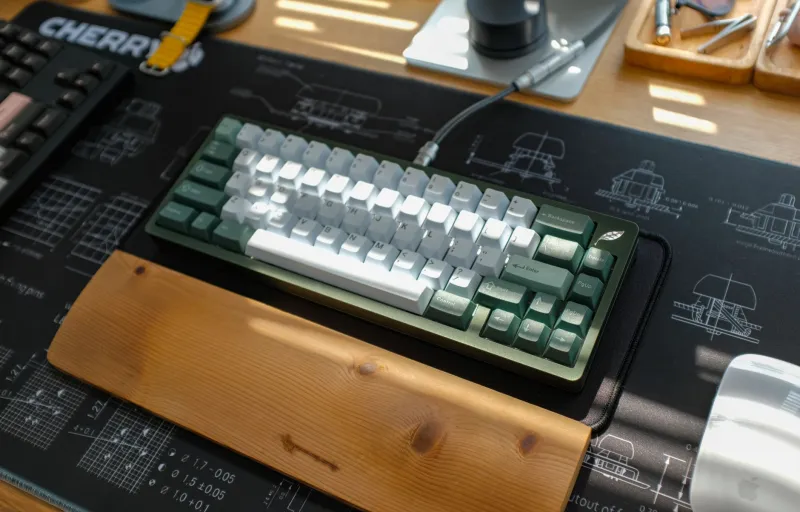
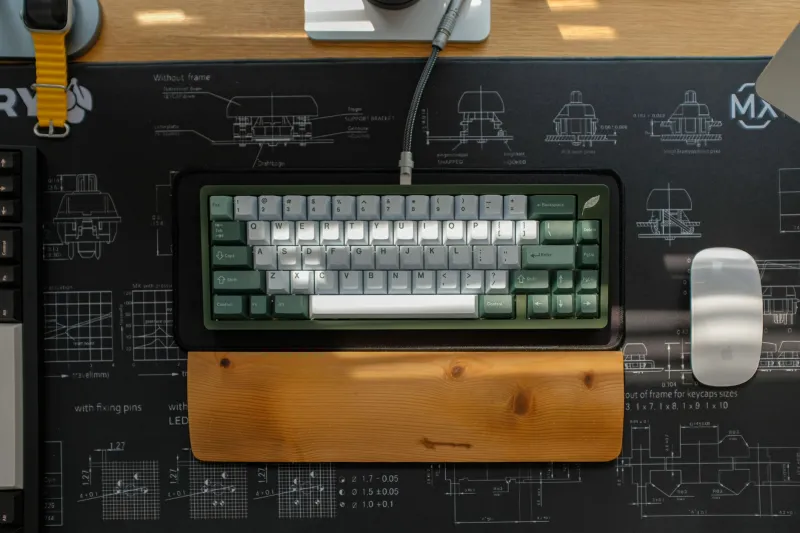
The daily driver is the board you type on when you are not thinking about keyboards. It should feel familiar, sound pleasant enough for a long Tuesday, and have a layout you can use without mental gymnastics. This is not the place for a science experiment. It is the place for stable firmware, good stabilizers, and switches you can live with for hours.
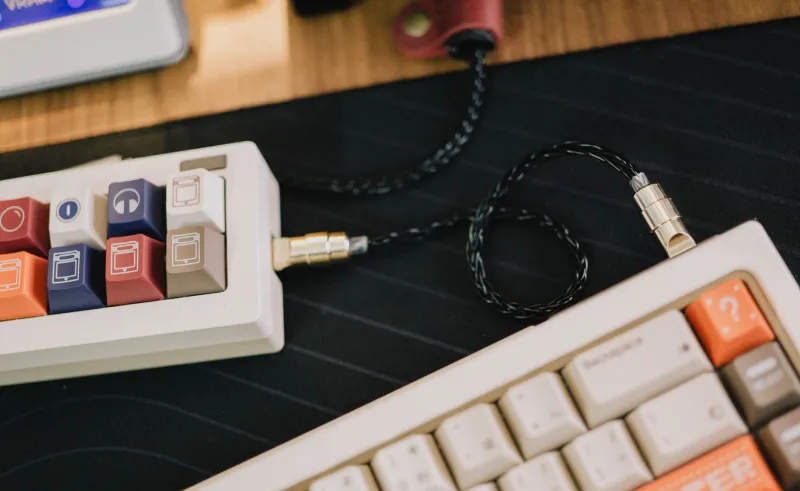
The travel board is the one that leaves the house. It should be compact, durable, and cheap enough that a coffee-shop spill or an aggressive TSA bin does not ruin your month. Wireless is nice, but reliable wireless is better. Quiet switches help in a coworking space or an open-plan office. The travel board does not need to be your favorite. It needs to be the one you are willing to pack.
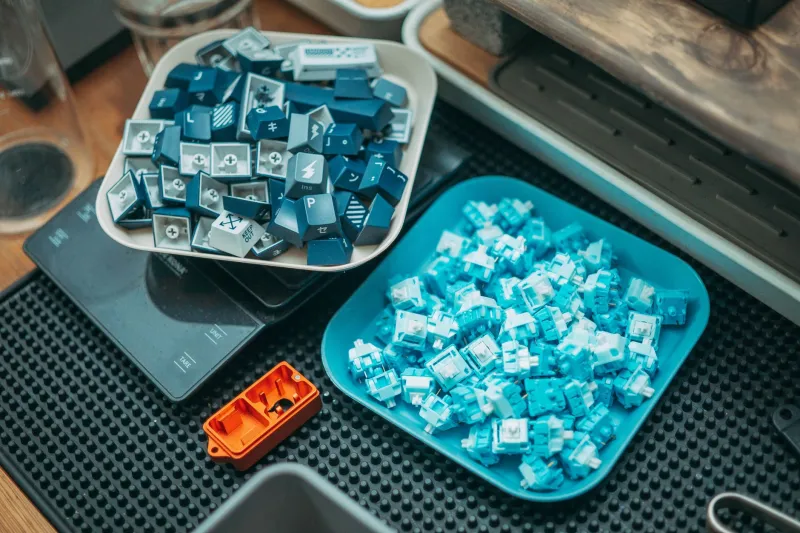
The project board is where the hobby lives. This is the hot-swap test bed, the QMK or VIA playground, the board with weird keycaps and switches you are not sure about yet. It can be loud. It can be strange. It can be rebuilt on a Saturday afternoon. That is the job.
The daily driver has to be boring
A daily driver earns its title by disappearing. You should not notice the actuation point when you are answering email. You should not fight the spacebar during a deadline. You should not wonder whether the wireless connection will drop during a call.
For most US typists, a 65% or TKL layout is the sweet spot: enough keys for real work, not so much desk real estate that the mouse feels exiled. A 75% board can work well too, especially if you like function-row keys and a compact footprint. The exact size matters less than consistency. Pick a layout, learn it, and stop relearning your own keyboard every six weeks.
This is also where budget should go first. A sensible daily driver does not have to be fancy, but it should have decent keycaps, stable stabilizers, and a case that does not slide around. If you are spending $200 on a project board and $60 on the board you use for actual work, your priorities are upside down.
The travel board has to survive real life
Travel boards get romanticized as tiny, beautiful objects. In practice, they get shoved into bags, used on cafeteria tables, and typed on with cold hands in airport terminals. Prioritize different things: a sturdy case, a reliable connection, and a layout that does not require a cheat sheet.
A 60% board is the classic travel choice, but a 65% is often easier to live with because it keeps arrow keys. Low-profile boards can be great for tight spaces, though some typists never get comfortable with the shorter travel. There is no universal answer. There is only the board you will actually carry.
One underrated rule: do not make your travel board your most expensive board. Expensive things make you cautious, and cautious travel gear stays home. A solid $80 to $150 board with quiet switches and a sleeve is often the better companion than a $300 showpiece you are afraid to scratch.
The project board is where the fun goes
The project board protects your daily driver from your curiosity. When a new switch line drops or you want to try a strange keycap profile, you do it on the project board. When you want to flash a firmware build at 11 p.m. and discover a bug, you do it on the project board. When it works, you can move the idea to your daily driver. When it does not, you still have a keyboard that types.
Hot-swap is a genuine advantage here, but it is not mandatory. A cheap soldered board can be a fine project if you enjoy desoldering. The real requirement is that the board is easy to open, easy to configure, and not precious. A project board is supposed to be a little messy.
Budget the rotation, not the fantasy
A three-board rotation does not have to mean three premium purchases. Think in caps. A reasonable US setup might be $120 to $250 for the daily driver, $70 to $150 for the travel board, and $90 to $200 for the project board. That total can still land below a single hyped endgame build, and every dollar has a job.
If that range is too high, start with two boards. Use the daily driver and make your old board the project board. Add a travel board only when you actually travel with a keyboard. The rule is not a command to own three things. It is a way to stop asking one thing to be everything.
The upgrade trap is a job-description problem
Most clutter enters a keyboard collection because the buyer did not define the job. A new group buy looks interesting, so it becomes a purchase. A new switch sounds good in a video, so it becomes a build. Six months later, you have four 65% boards with similar switches and no idea which one is for work, which one is for travel, and which one is just expensive storage.
Before you buy, finish this sentence: this board is for ______. If the answer is because it is pretty, that is allowed, but be honest about it. Pretty is a job. Just do not pretend it is a productivity upgrade. If you already have a board covering that job, the new one has to beat it, not merely tempt you.
A simple one-in, one-out rule helps once you have more than three boards. If a new board joins the rotation, an old one leaves the desk. That keeps the rotation useful and the shelf honest.
A rotation you can actually live with
In practice, the daily driver gets most of the hours. The travel board lives in a bag and comes out when needed. The project board gets weekend attention and then goes back on the shelf. That is a healthy rhythm. It also makes maintenance manageable: clean the daily driver regularly, charge the travel board before trips, and update the project board when you feel like tinkering.
If one keyboard genuinely does everything you need, keep it. Do not manufacture a rotation to fit a rule. But if you keep buying boards because each one almost solves a different problem, stop shopping for a grail and start assigning jobs. Your desk does not need a hero. It needs a team.